Take Note ✍️
This functionality is part of Cezanne HR and is separate from the Cezanne Learning platform.
Development Sessions are pre-scheduled Development Activities, such as courses or on-line training. They are optional and are most commonly used when there is a need to enrol a number of employees on the same Development Activity, being run on the same day(s).
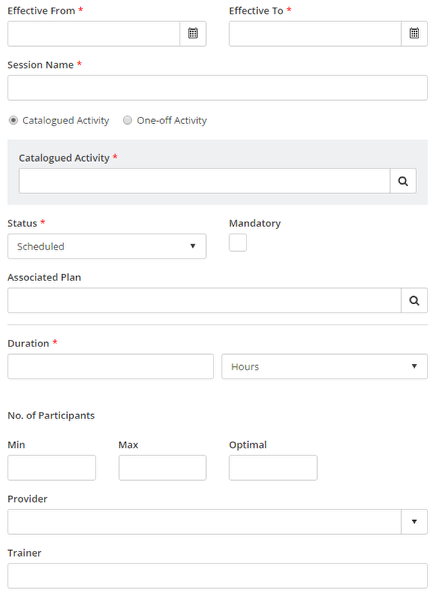
This article describes how to add a new Development Session in Cezanne.
Navigate to: Training >> Development Sessions >> Add New Development Session.
- Enter a Session Name.
- (Optional) Select a Development Plan under which the Session should be tracked in the Associated Plan field.
- Either select an existing Catalogued Activity or enter a One-off Activity.
- Set the Session's start date in the Effective From field, and its end date in the Effective To field.
- Enter a Duration for the Session, and select Time Units.
- (Optional) Enter information in any of the other fields.
- Select Save.