
💡 Tip
For a step-by-step walkthrough of creating and configuring Channels, see Module 3: Content in the Cezanne Learning course on Cezanne Academy.
What are channels?
Channels are used to bring together related learning content around a broader topic or purpose. A Channel can contain multiple Items and Learnlists, giving learners one place to access a collection of related content.
Learnlists are smaller, more focused collections of learning content and can be added within a Channel to organise content into logical groups.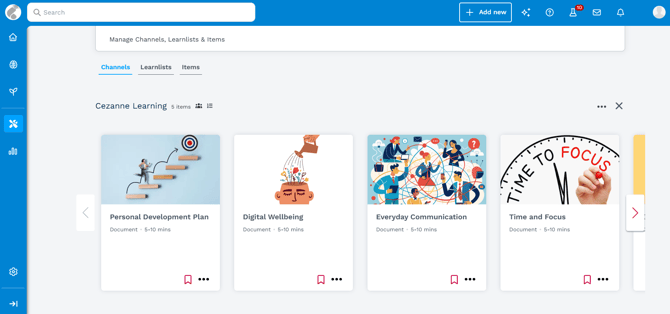
When to use a Channel
Use a Channel when you want to bring together a broader collection of related learning content for a particular audience, topic or purpose.
You can add individual Items and Learnlists to a Channel, using Learnlists where you want to group related content within it.
You can control who can access a Channel using its visibility settings. This allows you to restrict access to a particular audience or make the Channel available more widely.
📝 Note
For details of the available options and how they affect access, see Visibility Settings in Cezanne Learning.