.png?width=271&height=81&name=Knowledge%20base%20small%20(4).png)
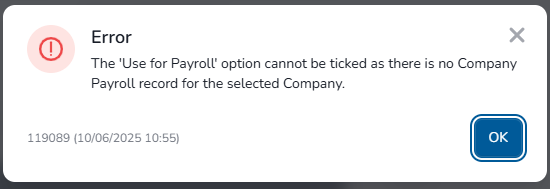
🔍 Why This Happens
This error message typically appears when a Restricted HR (RHR) administrator tries to add a new starter with the “Use for payroll” checkbox selected but lacks sufficient access to the company payroll where the new starter is being added.
✅ How to Resolve It
-
Activate "Restricted HR users Security"
-
Navigate to Administration > Security Roles
-
Select the "HR Professional" role and navigate to "Security Role Permissions".
-
Activate "Restricted HR Users Security" (Payroll folder):
-
-
Review "Restricted HR users Security"
- Navigate to Administration > Payroll > Company payroll
- Select the relevant company payroll, to which the employee will be added and select "Restricted HR Users Security"
- Add any relevant RHR user.