.png?width=271&height=81&name=Knowledge%20base%20small%20(4).png)
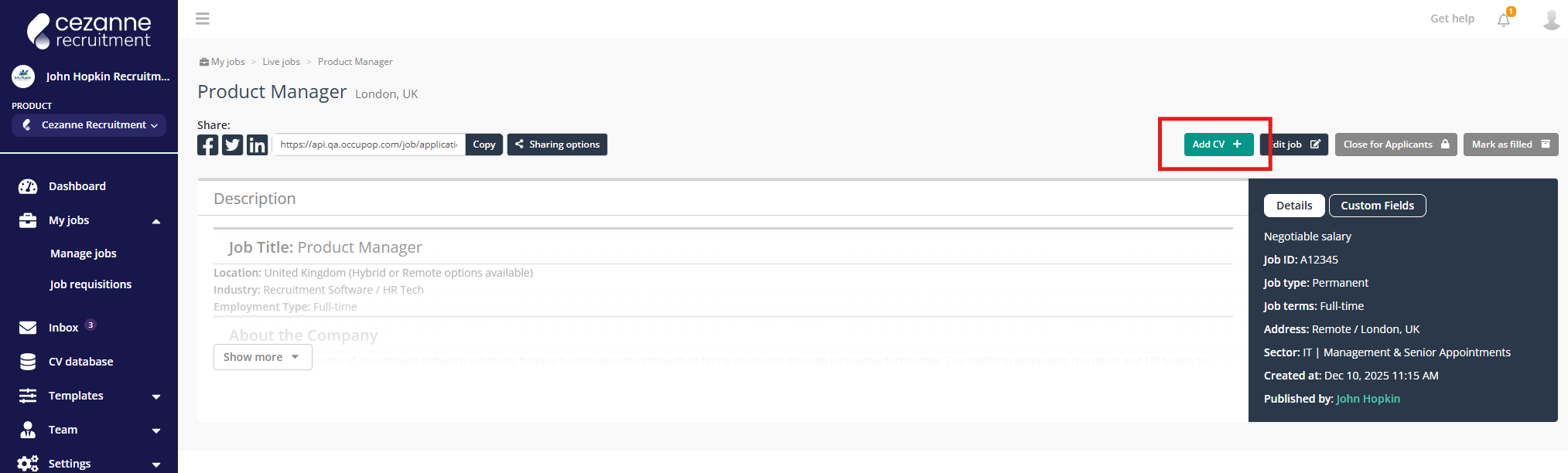
If you receive a CV directly without the candidate applying through a Job board or your application page, you can easily add it onto a Job. Open the relevant job and click the "Add CV+" button:
You can fill out the candidate`s details, attach a CV and cover then click Save.
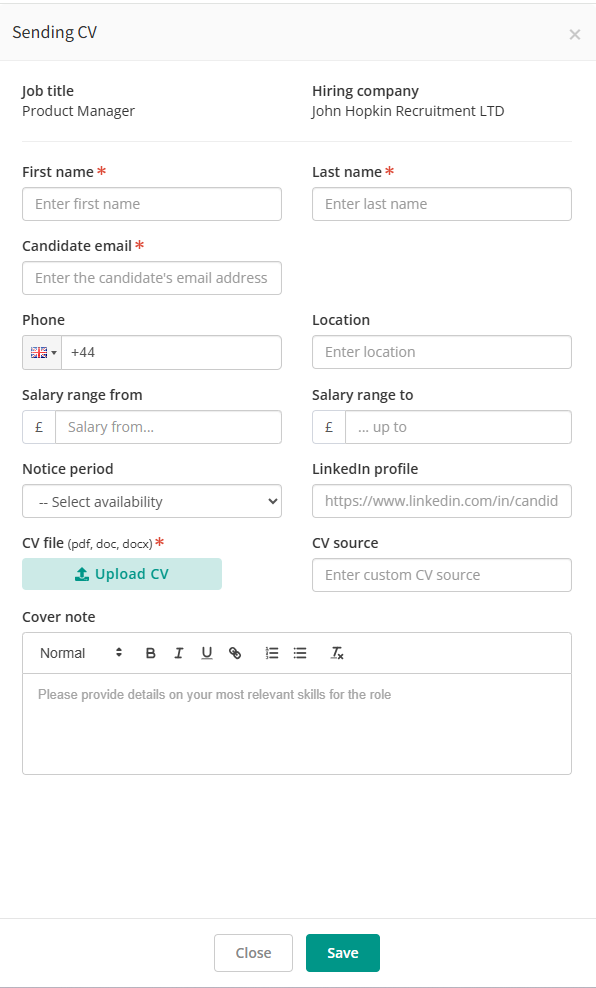
Please bear in mind that screening questions are not obligatory when adding a CV using this method. Consequently, the CV scores will not reflect the actual number and only the CV itself will be scored.
