.png?width=271&height=81&name=Knowledge%20base%20small%20(4).png)
Possible causes
1. One-time link expired
-
When an account is first created for you, you will receive a one-time link to set up your password. Ensure you are only clicking on this link when setting up your password and use the second link anytime you want to login after this.
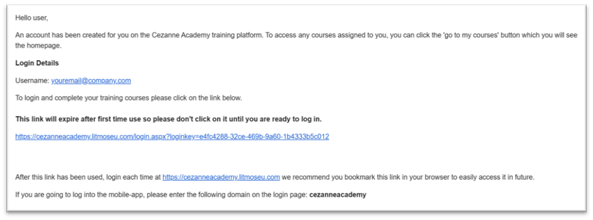
-
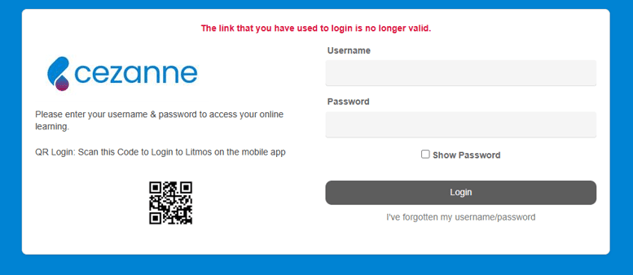
Some IT systems may click on the one-time link which then means you get an error message saying it has expired without having set up a password. If this is the case, please contact the person who set up your account and ask them to manually set a password for you.
2. Cache needs clearing
If you have previously been able to login to the Academy, and then get an error message, often clearing your cache on your preferred browser can fix this issue.
This often solves the issue if you have just had your password reset for you but are still unable to login.
3. Password is not meeting the requirements
When setting up a password it must contain at least 8 characters, include a lowercase letter, uppercase letter, number and special character.
Still having trouble?
Contact our support team by raising a ticket or submitting a query via the Helpdesk.