Company Cars in Cezanne can be added to an employee's record in two ways:
- A Catalogued Company Car
- A Private car for company use
This article shows how to add a new Company Car to an employee's record.
Navigate to: People >> Compensation >> Company Car Details
- Select Add New
- From the prompt, select which type of Company Car to add:
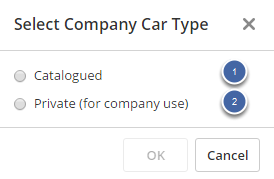
1. Catalogued
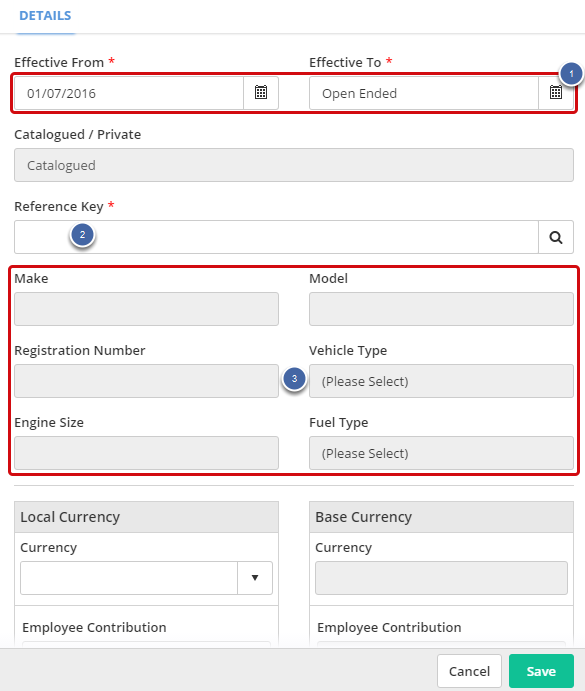
- Choose the Effective From and Effective To dates for the car.
- Select a Catalogued Car from the lookup. The Reference Key will be filled in automatically. (For information about adding cars to the lookup, see: Company Car Catalogue)
- Most of the other fields are read-only and are automatically populated with the information stored in the Company Car Catalogue.
2. Private (for company use)
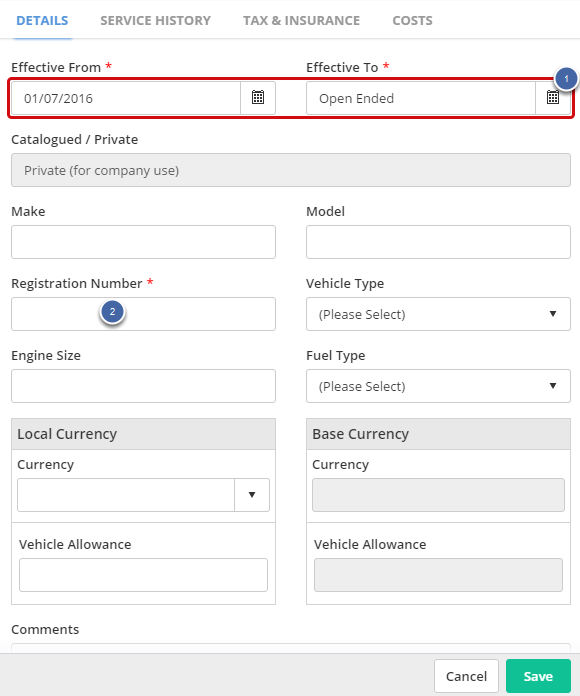
- Choose the Effective From and Effective To dates for the car.
- Enter the Registration Number to uniquely identify the car.
- (Optional) Fill in any other fields that you require such as Make, Model and Vehicle Type.
- (Optional) Click through the other tabs to add Service History, Tax & Insurance and Costs details.