.png?width=271&height=81&name=Knowledge%20base%20small%20(4).png)
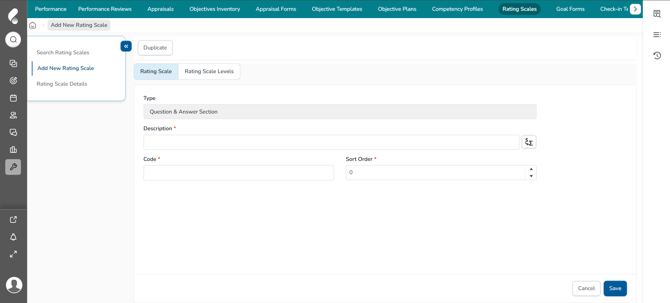
Step 1: Add a new Rating Scale
- Navigate to Administration then Performance
- Select Rating Scales then Add New Rating Scale
- Select Question & Answer Section
- Click OK
- Enter a Description and Code
- Select the Sort Order
- Click Save
📝 Note
Question and Answer rating scales can only be used for multiple choice questions within a Question and Answer section on a section-specific appraisal form.
Step 2: Set up the Rating Scale Levels
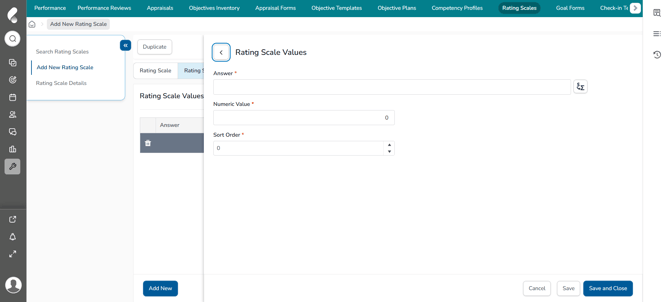
Select the Rating Scale Levels tab to set up the required number of levels you want to be available on the scale.
Use the following instructions to add each level:
- Select the Rating Scale Levels tab
- Click Add New
- Enter the Answer for the level
- Enter the Numeric Value to give to the answer
- Select the Sort Order
- Click Save and Close