Development activities use the approval requests process. If you want employees to add development activities without requiring approval from another user, you can create a development activities approval process with a single employee stage.
The following steps explain how to set this up.
How to set up a 1 stage Employee Approval Process
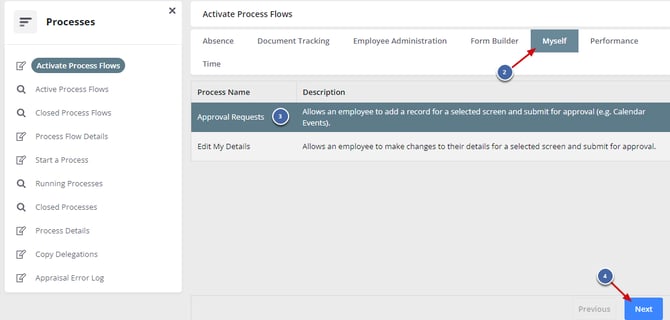
1. Navigate to: Administration >> Processes >> Activate Process Flow
2. Select Myself tab.
3. Select the 'Approval Requests' process flow.
4. Select Next.
Employees will now be able to add without any approval, as they could before the release.
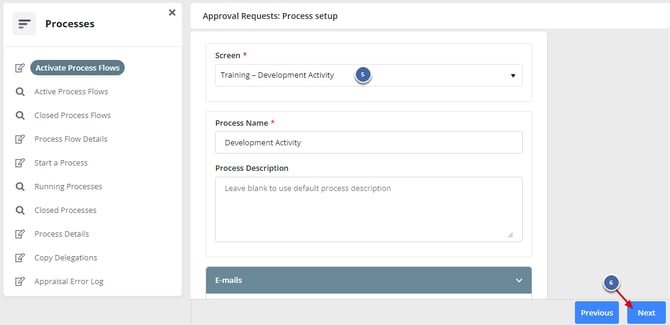
5. Choose 'Training - Development Activity' as Screen.
6. Select Next.
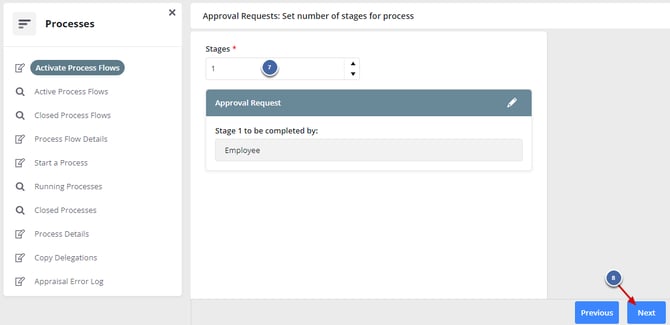
7. Set Stages as 1.
8. Select Next.
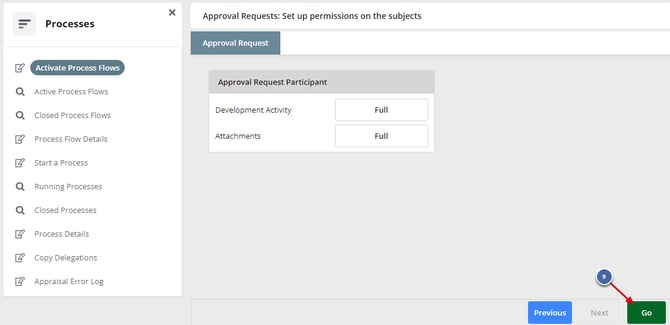
9. Select Go.