.png?width=271&height=81&name=Knowledge%20base%20small%20(4).png)
Step 1: Create a project
- Go to the Time Module in Cezanne
- Navigate to Projects
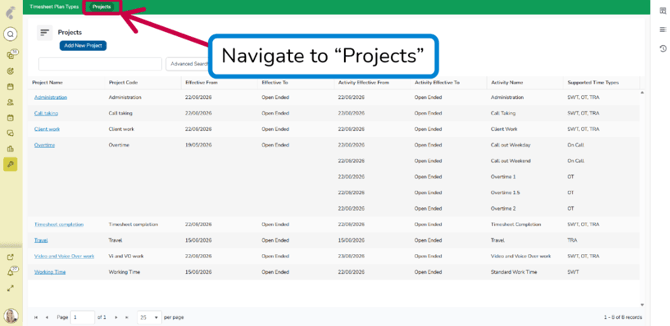
- Click Add New Project
- Fill in all needed columns
- Click Save
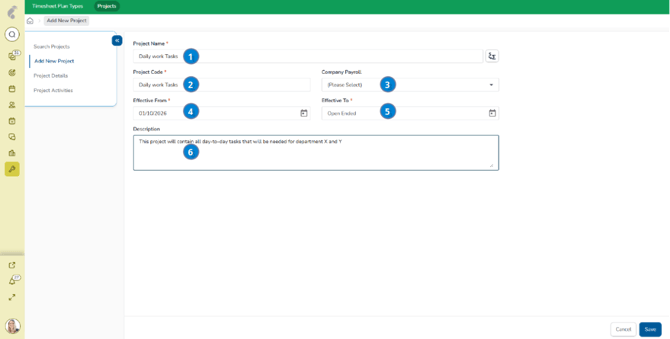
Step 2: Add activities to your project
- Within Project Activities, click Add New
- Fill in all needed columns for Activity Details and Time Type
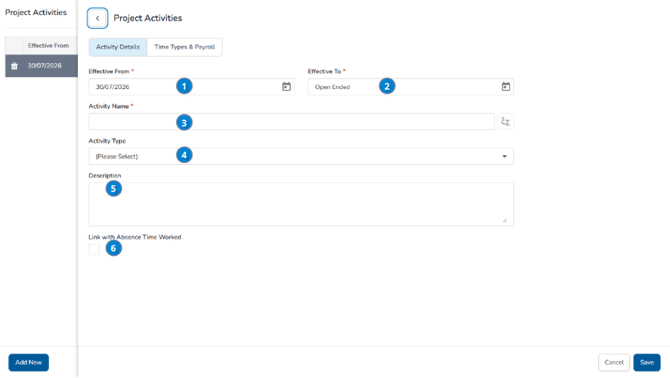
- Click Save
Common Errors
Projects:
-
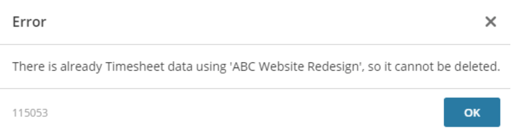
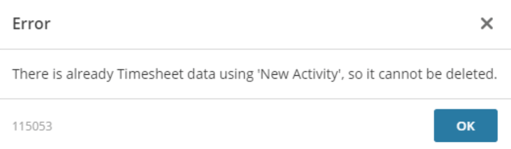
Error 115053 - It is not possible to delete a Project once a related Activity has had Timesheet Details (Time or Comments) added.
-
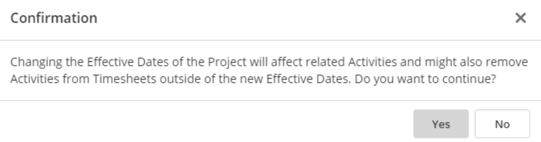
Changing the Effective Dates of a Project can affect related Activities and might also remove Activities from Timesheets (with no Details - Time or Comments) outside of the new Effective Dates.
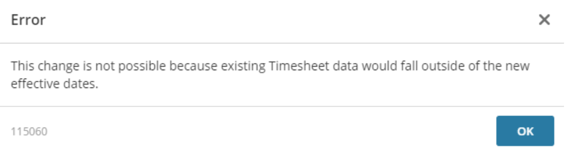
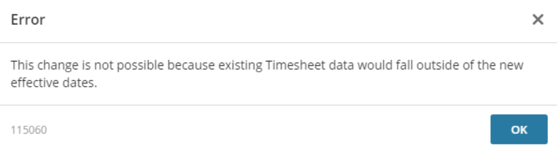
- Error 115060 - It is not possible to change the Effective Dates of a Project if it will result in there being Timesheet Details (Time or Comments) that then fall outside of the Project dates.
Activities:
-
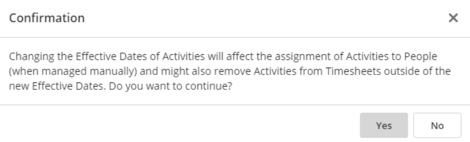
Changing the Effective Dates of an Activity can affect the assignment of Activities to People (when managed manually) and might also remove Activities (that have no details - Time or Comments) from Timesheets outside of the new Effective Dates.
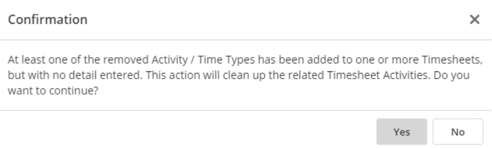
- If you delete an Activity or untick a Supported Time Type and there are no related Timesheet Details (Time or Comments), the action will clean up any Timesheets where the Activity was selected but not used.
- Error 115053 - It is not possible to delete an Activity once it has Timesheet Details (Time or Comments) entered against it.
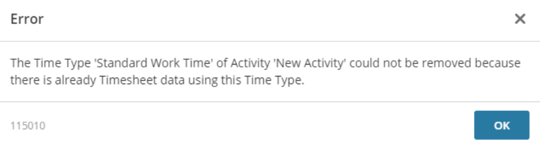
- Error 115010 - It is not possible to untick an Activity's Supported Time Type if any Details (Time or Comments) have been entered against that particular Activity / Time Type.
- Error 115060 - It is not possible to change the Effective Dates of an Activity if it would result in Timesheet Details (Time or Comments) falling outside of the new Effective Dates.
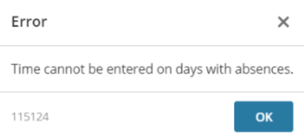
- Error 115124 - It is not possible to add an activity on a day when an absence has been booked. This is prevented when the Prevent Absence and Time on the Same Day checkbox has been ticked.
💡Tip (LINKS)
Should you want to learn about managing Activities manually for employees, have a look at Manage Activities Manually.
If you would like your Line Managers to be able to add and search for Projects and Project Activities, have a look at How to allow Line Managers to configure Projects.